
Phone doesn’t support eSIM? Use ESTK Card
Use ESTK Card to turn your phone's physical SIM slot into an eSIM entry point.
No native eSIM? Don’t miss ZGO global data.
ESTK Card works like a writable eSIM-enabled physical card, turning your phone’s physical SIM slot into an eSIM entry point. It is ideal if you want to use ZGO eSIM plans but your device does not support native eSIM.
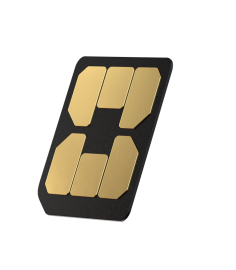
Is this you?
Before checkout, you may find that your phone:
- has no eSIM menu in Settings,
- cannot scan an eSIM QR code, or
- says the device does not support eSIM.
Recommended solution: buy ESTK Card first, then add your ZGO eSIM plan to the card and use travel data through your phone’s physical SIM slot.
How ESTK Card works
Physical SIM Bridge
Insert it into the SIM slot to start setup.
eSIM Storage
Download and store eSIM profiles.
Travel Friendly
Pair with ZGO plans for your next trip.
3 steps to get connected
Buy ESTK Card
Order the card from the official ESTK store.
Buy a ZGO plan
Pick your destination and data plan in our shop.
Add the plan to the card
Add your ZGO eSIM plan to ESTK Card, then insert the card into your phone’s SIM slot.
Not sure?
See our install guide to check whether your phone supports eSIM, or submit a support ticket in My Account → Support (sign in first) and we’ll help.